Session capture and device library
Session capture & history
When logging is enabled in Settings (default), the app stores sessions under the private files area (/sdcard/Android/data/it.blesplo.app/files/BLESPloit/sessions):
Each session directory may have (if enabled):
scan.log— all received advertisements in the raw formatfolders for specific devices (created on first interaction, e.g. tap on device in the list)
adv.json— advertisement snapshotsble.json— discovered services and characteristics (after connecting)gatt_*.log— ATT traffic during connections
Open Capture history from the menu to browse sessions by device folder, export data, or revisit captures from scan cards. You can access specific device capture directly from the scan. It is possible to create a new Device Library entry from a captured data, and then simulate it on ESP32.
Configurable capture options include: log on card expand, dynamic advertisement updates, save services on connect, retention limits, and max disk usage.
Device library
The Device library holds device entries: folders with a manifest.json and role-specific assets.
More on the format in the Device Library documentation.
On mobile application you can browse, edit (GUI or raw files), create new entries:
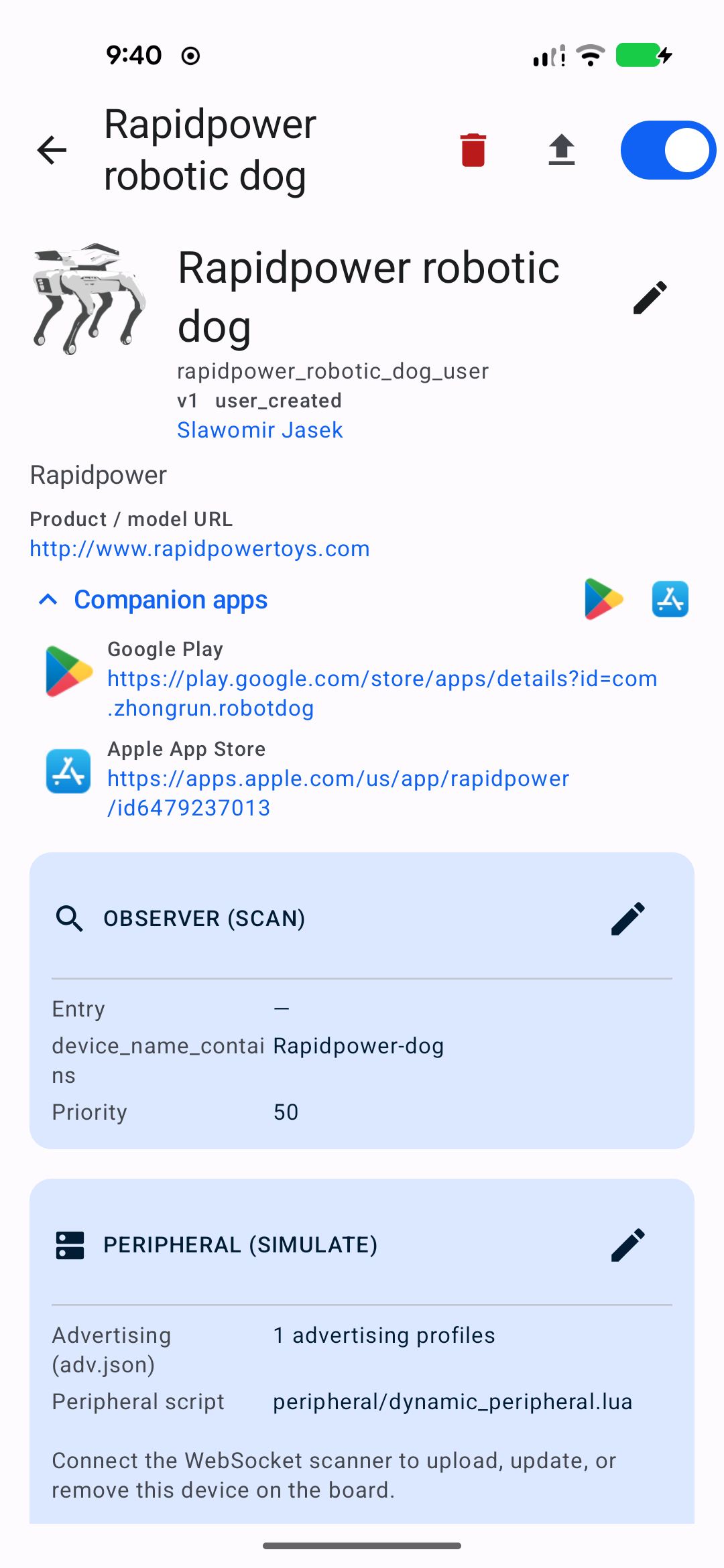
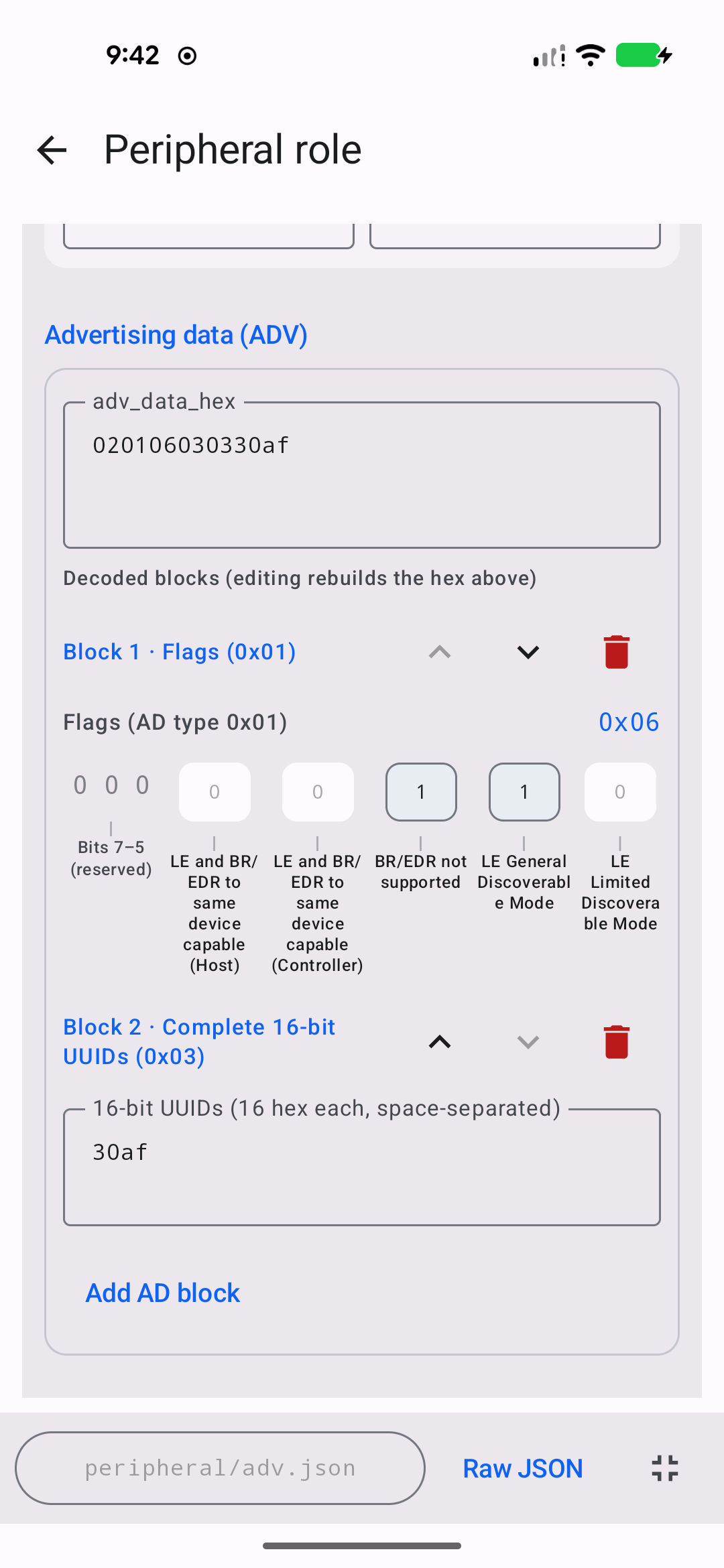
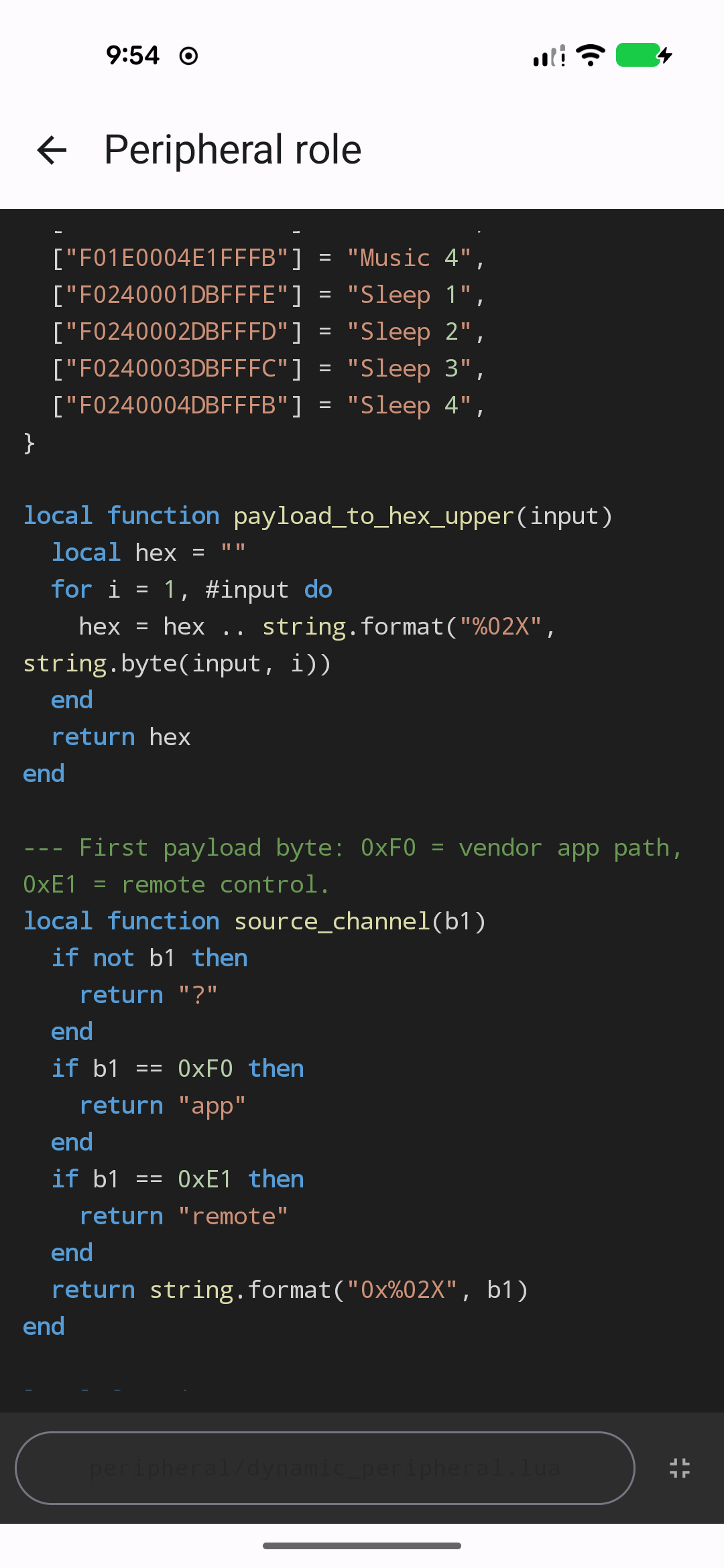
When connected to an ESP32, upload for simulation.