Connections
For connectable devices, there are two buttons available on the scanned devices list:
auto_awesome_motion a quick action: connect, run a script
link manual connection
auto_awesome_motion Quick actions
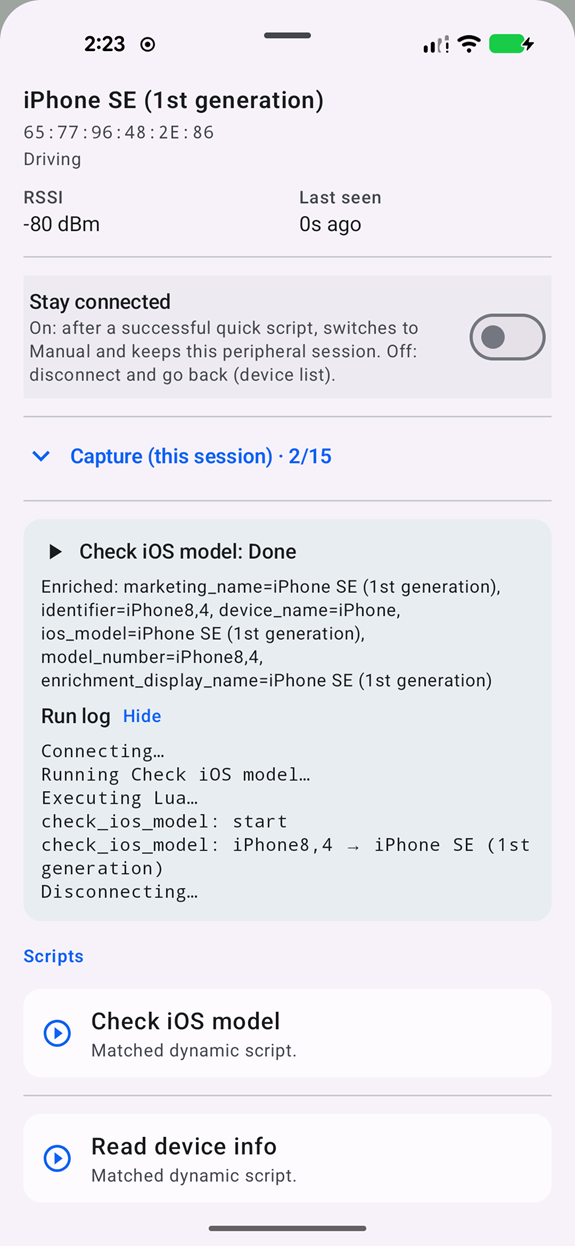
Tapping “Quick Action” next to a connectable device opens matching scripts. For each device there is a generic “Read device info” which tries to read device name, serial number and manufacturer data (for majority targets it does not trigger pairing). More targeted options are available depending on the initial fingerprint - for example in case of Apple Nearby it offers “check iOS version”, a few other proprietary protocols are also implemented for starters. The “Read values” will try to read all the characteristics. It may trigger pairing in case any of them would be protected, you may want to adjust your local phone Bluetooth name that could pop-up for example on a target phone.
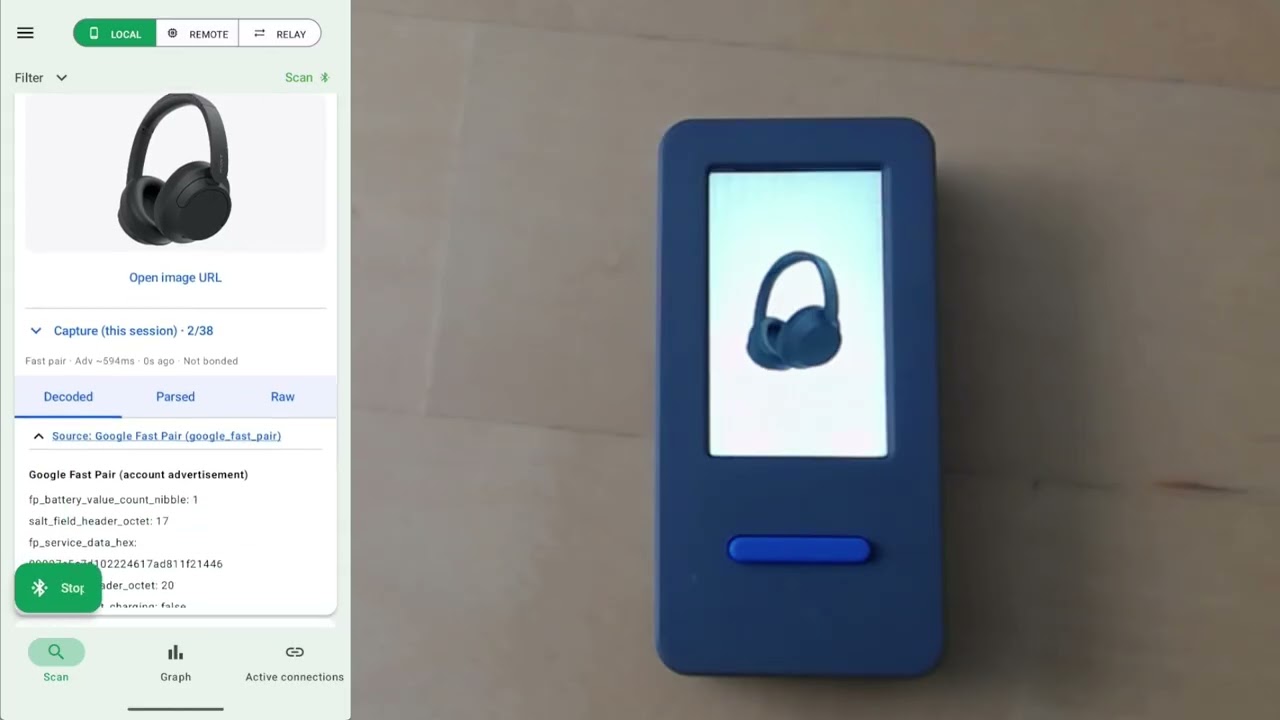
Demo checking for WhisperPair and Airoha vulnerabilities in simulated headphones:
More: how to check a headset for known vulnerabilities
link Device Services (GATT browser)
The full GATT explorer for a connected device (local or remote):
- Browse services, characteristics, and descriptors
- Read (R), write (W), subscribe (N) to notifications/indications
- Run matched central scripts
- View session logs for remote connections
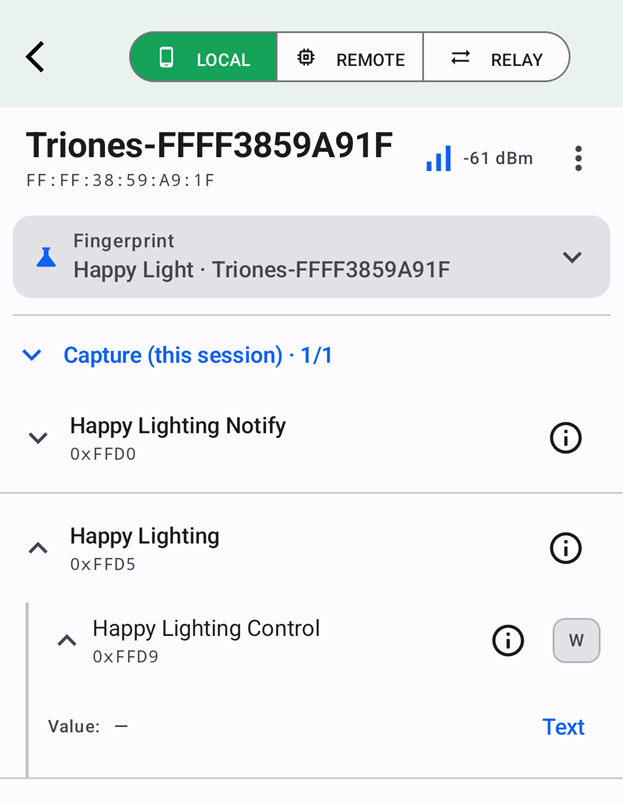
The known services are annotated
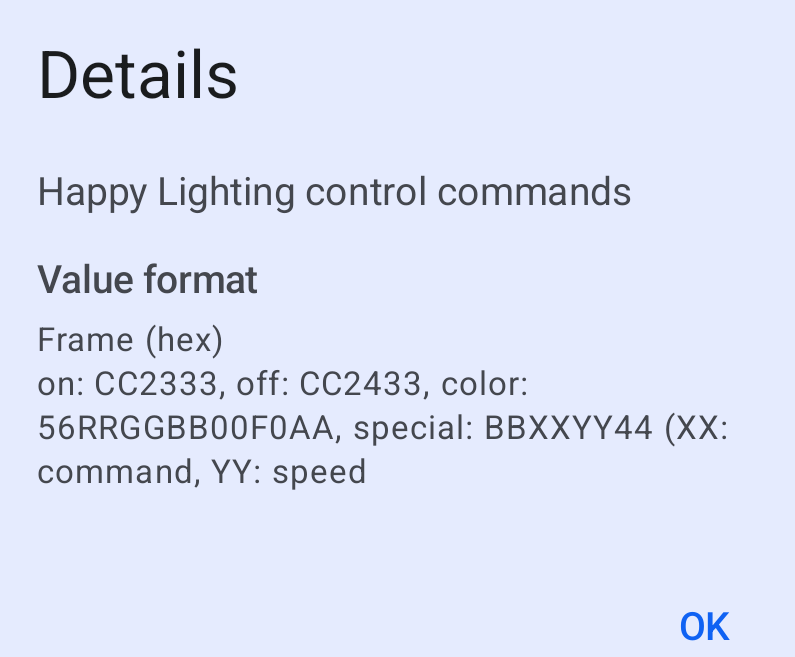
and the format is explained, along with sample packets:
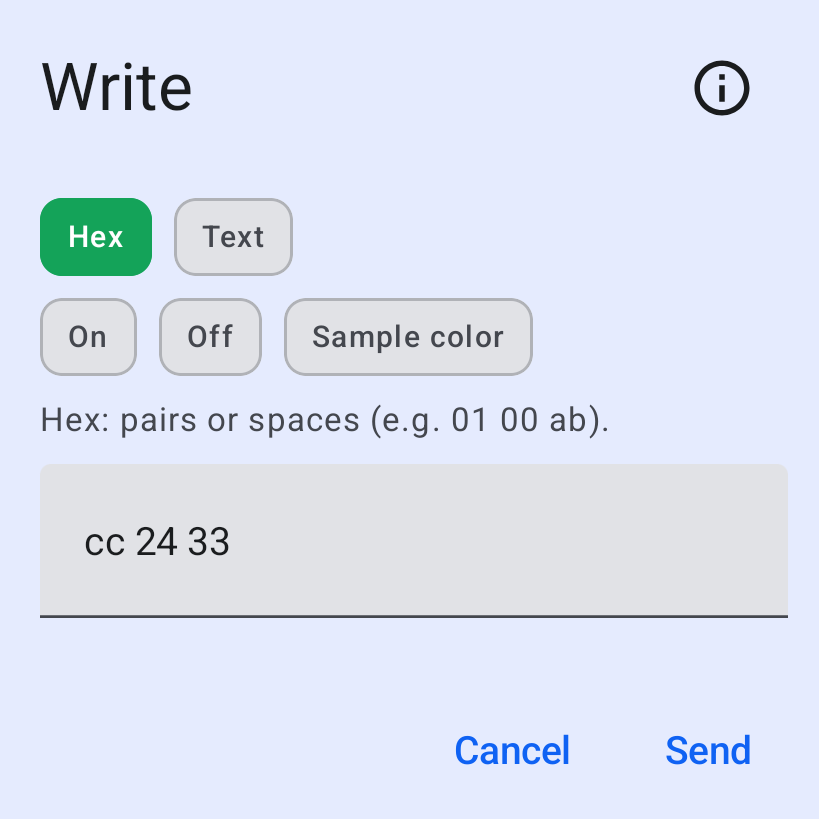
Possible to run matching “quick action” and “full menu” scripts:
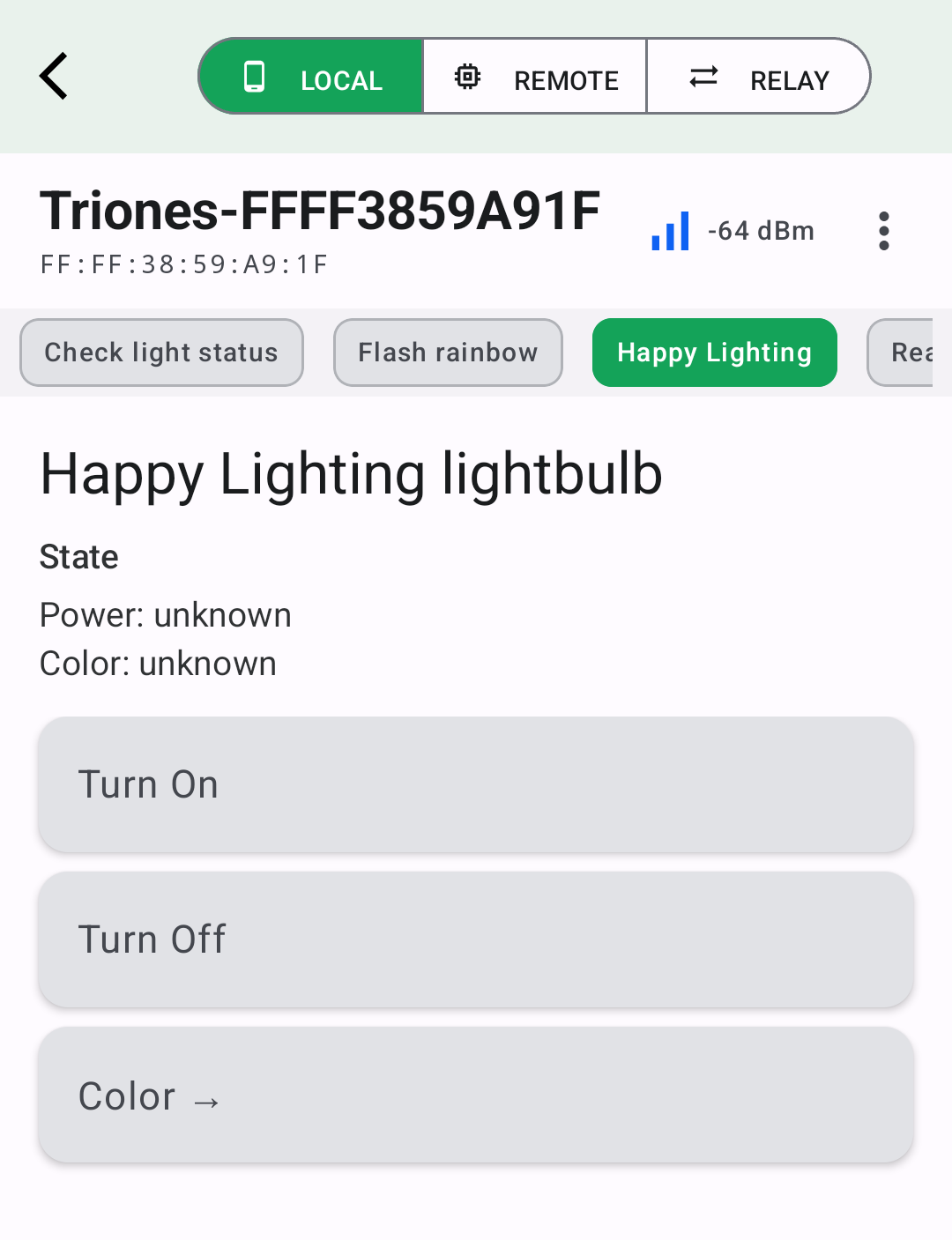
format of menu.json described in Device Library.