Console
The ESP32 features a serial console with debug log (useful to trace issues) and simple configuration interface (for example to set wifi credentials).
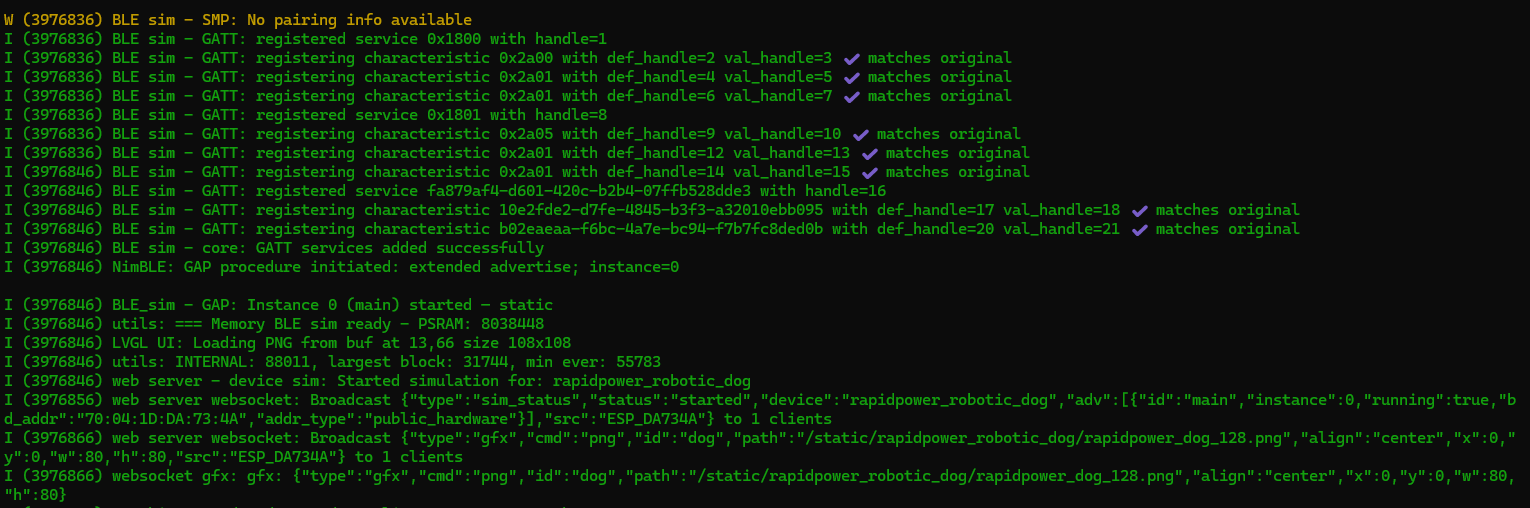
You can access it directly from the mobile application or connect USB to a laptop.
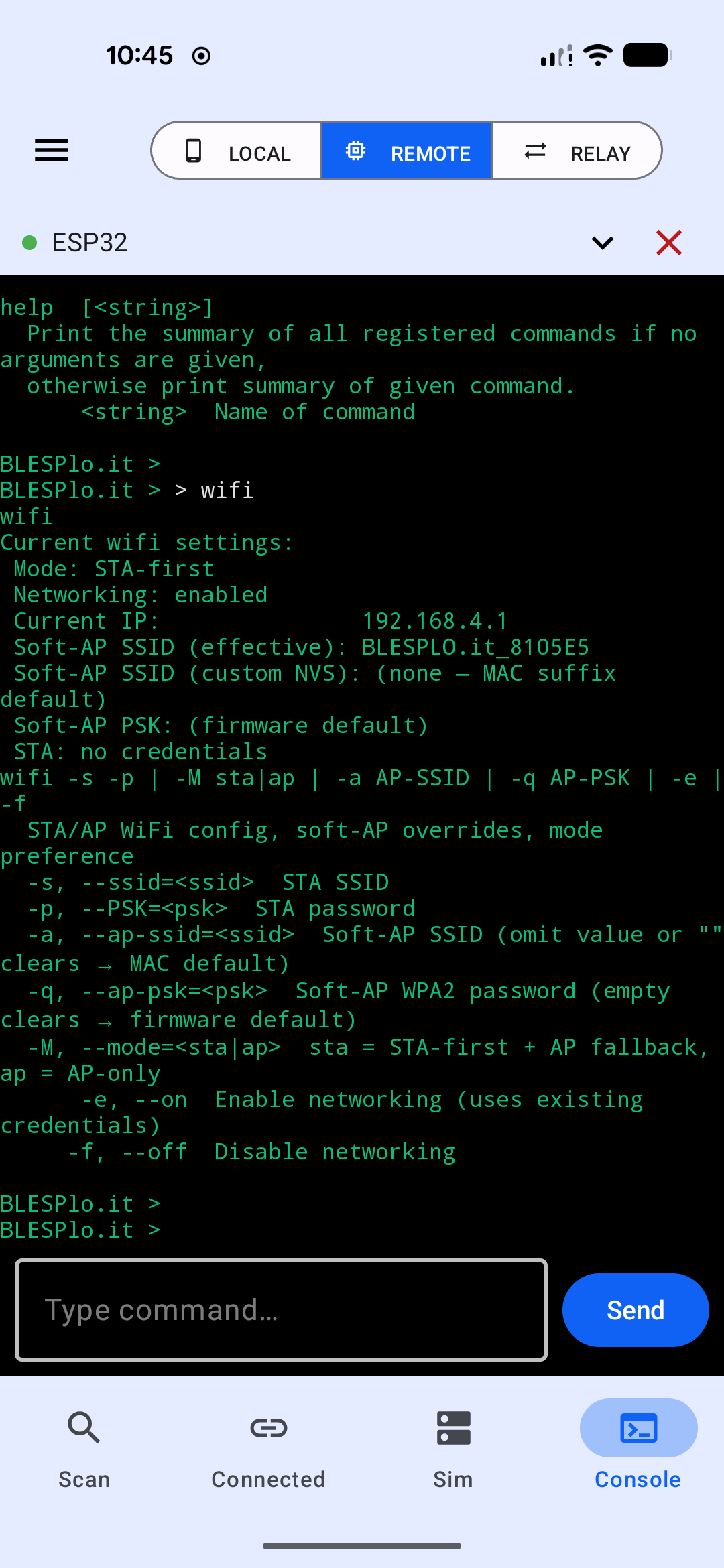
From mobile application (Android only)
Select Remote -> Console, and connect the device via USB:
From your laptop
Connect to it using a serial terminal - for example PuTTY serial, or minicom, screen, tio in Linux/Mac. Confirm your USB port number and select “115200” baud rate. Example command for Linux:
$ screen /dev/ttyACM0 115200Web console
Even if you don’t connect via USB, selected log messages of higher importance are also transmitted via websocket and visible in the Remote -> Console tab of the mobile application, as well as in the web interface.